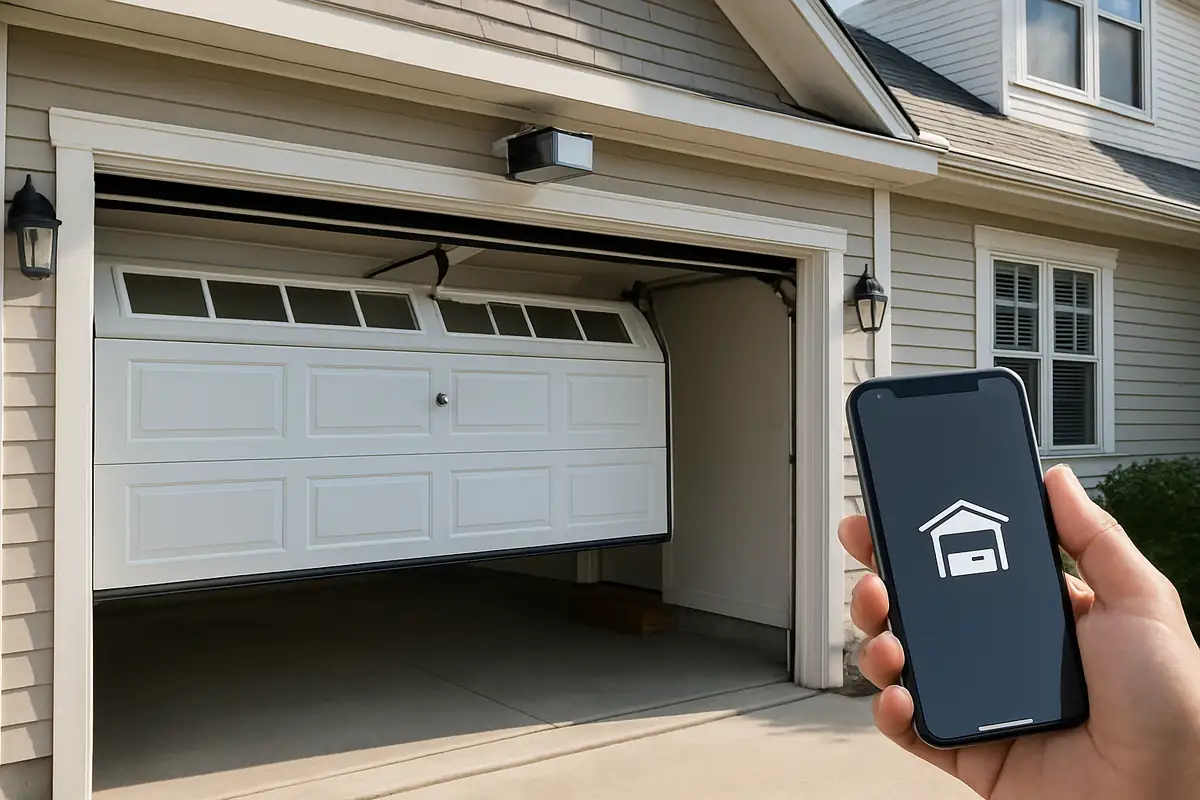
How to Program Your Garage Door Remote
Programming your garage door remote can seem like a daunting task, but with the right guidance, it can be done quickly and easily. Whether you've just purchased a new remote or need to reprogram an existing one, this guide will provide you with all the information you need. At Tuned Garage Door Repair in West Simsbury, CT, we understand the importance of a working garage door, and we’re here to help you through the process.
Why You May Need to Program Your Garage Door Remote
There are several reasons you might find yourself needing to program your garage door remote:
- New Remote: You’ve purchased a new remote for your garage door opener.
- Lost Remote: You’ve lost your previous remote and need to add a new one.
- Changing Security Codes: For added security, you may want to change your remote's programming.
- Battery Replacement: After changing the batteries, your remote may need to be reprogrammed.
Understanding Your Garage Door Remote
Before diving into the programming process, it's essential to understand the components of your garage door remote:
Common Types of Garage Door Remotes
- Single-Button Remotes: These remotes open or close one garage door.
- Multi-Button Remotes: Control multiple garage doors or additional features such as lights.
- Keypad Entry: Typically mounted outside, allowing access via a code.
Compatibility
Make sure your remote is compatible with your garage door opener brand. Common brands include Genie, Chamberlain, Craftsman, and LiftMaster. Refer to the user manual for compatibility details.
Steps to Program Your Garage Door Remote
Follow these simple steps to program your garage door remote:
- Locate the “Learn” Button: On your garage door opener motor, find the “Learn” button. This is usually located on the back or side of the unit.
- Prepare Your Remote: Insert a new battery into your remote if needed.
- Press the “Learn” Button: Press and hold the “Learn” button until the indicator light turns on.
- Press the Remote Button: Within 30 seconds, press the button on your remote that you want to program. The lights on your garage door opener will blink or turn off, indicating that programming was successful.
- Test the Remote: Close the garage door and test the remote to ensure it works correctly.
Troubleshooting Common Programming Issues
If your garage door remote isn't working after programming, try the following troubleshooting steps:
- Check Batteries: Replace the batteries in your remote again.
- Distance Matters: Ensure you are within range of the garage door opener.
- Reset the Opener: Disconnect the power to the garage door opener for about 30 seconds and then reconnect it.
- Consult the Manual: Refer to your garage door opener’s manual for specific programming instructions related to your model.
Additional Tips for Garage Door Security
Programming your remote not only makes it convenient but also contributes to the security of your property. Here are some tips to enhance your garage door security:
- Change Codes Regularly: Regularly update the code on your remote to prevent unauthorized access.
- Don't Share Your Remote: Only provide your remote to trusted individuals.
- Secure Your Keypad: If you use a keypad, choose a random number combination that is hard to guess.
Statistics on Garage Door Safety
According to industry statistics, approximately 30% of garage doors are left unlocked, making them an easy target for burglars. Ensuring your garage door is secure and properly programmed can significantly diminish the risk of break-ins.
Conclusion
Programming your garage door remote doesn’t have to be a complicated process. With the right tools and tips from Tuned Garage Door Repair, you can manage it in no time. If you encounter any issues or prefer professional assistance, our expert team in West Simsbury, CT, is always ready to help. Don’t let a malfunctioning garage door remote disrupt your day. Contact Tuned Garage Door Repair today for fast and reliable service!
Explore More Resources
Related Articles
Service Areas
We proudly serve West Simsbury, Tootin' Hills, Pine Hill, North Canton, Simsbury and more areas.
Our Services
Professional garage door repair, spring repair, opener installation and more. View all services →

Weather-Proofing Your Garage Door: Essential Tips from Tuned Garage Door Repair in West Simsbury, CT

Seasonal Garage Door Maintenance Checklist by Tuned Garage Door Repair in West Simsbury, CT